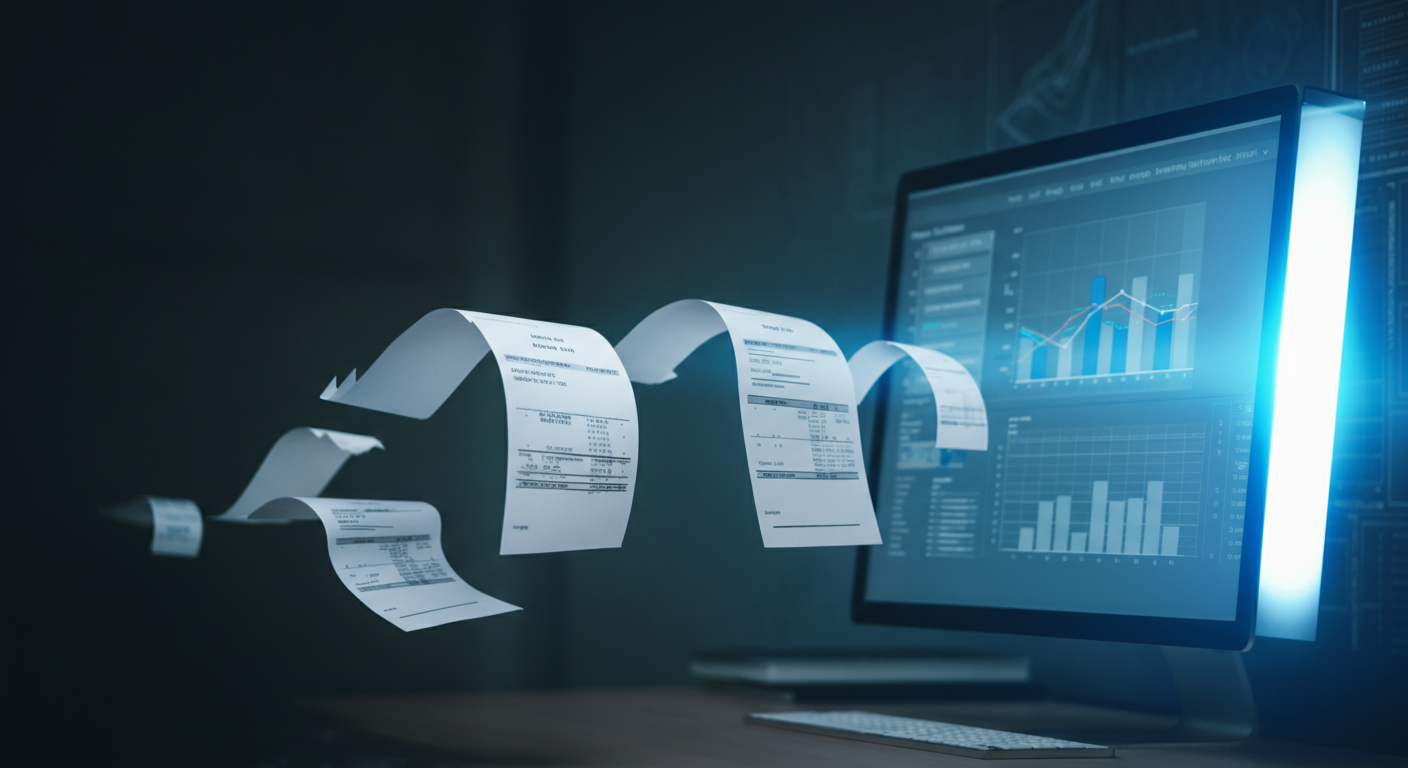
Why Invoice Processing Is the Perfect AI Automation Target
Invoice processing is repetitive, rule-based, high-volume, and error-prone when done manually. That makes it the ideal candidate for AI automation. In our own operations, we went from spending 12 hours per week on invoices to about 1 hour of oversight. Here is exactly how we did it.
The Before State: Manual Invoice Processing
Before automation, our invoice workflow looked like this:
- Invoices arrived via email (PDF attachments), WhatsApp, and occasionally physical mail
- An accountant manually opened each invoice and keyed in the details
- Line items were cross-checked against purchase orders — manually
- Approved invoices were entered into Tally/accounting software — manually
- Payment reminders were tracked in a spreadsheet
Average time per invoice: 8-12 minutes. With 40-60 invoices per week, that is 8-12 hours of pure data entry.
Error rate: approximately 4-5% — wrong amounts, duplicate entries, missed invoices.
The After State: AI-Powered Processing
After automation:
- Average time per invoice: under 30 seconds (automated) + spot checks
- Human time per week: 1 hour (reviewing flagged items and exceptions)
- Error rate: under 0.5%
That is a 90% reduction in time and a 90% reduction in errors. Here is the step-by-step setup.
Step 1: Set Up the Invoice Intake Channel
The first step is creating a single intake point for all invoices. We set up a dedicated email address (invoices@company.com) and configured forwarding rules so that invoices from any channel land in one place.
- Email invoices: Auto-forwarded to the intake address
- WhatsApp invoices: Saved to a shared drive folder via automation
- Physical invoices: Scanned using a phone app that uploads to the same folder
The key principle: one funnel, one queue. Never let invoices scatter across channels.
Step 2: OCR Extraction — Teaching AI to Read Invoices
OCR (Optical Character Recognition) is the technology that converts invoice images and PDFs into structured data. Modern AI-powered OCR is dramatically better than the OCR of even 2-3 years ago.
We use a combination of:
- Google Cloud Vision API for initial text extraction
- An AI language model (Claude or GPT) to structure the extracted text into fields: vendor name, invoice number, date, line items, amounts, tax, total
The two-step approach is critical. Raw OCR gives you text. The AI model gives you structured data. The difference between "here are some words from the invoice" and "here is a JSON object with vendor, amount, date, and line items" is everything.
Accuracy Considerations
Out of the box, this approach hits about 95% accuracy. To get to 99%+, we added:
- Vendor templates: For recurring vendors, the AI learns their invoice format and extracts with near-perfect accuracy
- Confidence scoring: Every extracted field gets a confidence score. Below 90% confidence, the item gets flagged for human review
- Feedback loop: When a human corrects an extraction error, that correction trains the system for next time
Step 3: Validation Rules — The Safety Net
Extraction is only half the job. Validation catches errors before they hit your books:
- Duplicate detection: Check invoice number + vendor + amount against existing records. Flag if a match exists.
- PO matching: Compare invoice line items against open purchase orders. Flag discrepancies over 5%.
- Amount validation: Check that line items sum to the total. Check that tax calculations are correct.
- Vendor verification: Confirm the vendor exists in your system. Flag unknown vendors for review.
- Date checks: Flag invoices dated more than 90 days in the past or any date in the future.
Invoices that pass all validation rules are auto-approved. Invoices that fail any rule go to a human review queue with the specific failure reason highlighted.
Step 4: Accounting Integration — Closing the Loop
Once validated, the invoice data needs to flow into your accounting system. We built integrations with:
- Tally: Via Tally's XML import format
- Zoho Books: Via REST API
- QuickBooks: Via their API
The integration creates:
- A bill/purchase entry in the accounting system
- Proper ledger mapping based on expense category
- A payment schedule entry based on vendor payment terms
Step 5: Payment Tracking and Reminders
The AI agent does not stop at booking. It also manages the payment lifecycle:
- Tracks payment due dates for all approved invoices
- Sends payment reminders 3 days before due date
- Flags overdue invoices in the daily summary
- Matches bank statement entries to invoices for reconciliation
The Technology Stack
Here is what we used to build this. You do not need all of it — adapt based on your scale:
- Intake: Email parsing (IMAP) + Google Drive folder watch
- OCR: Google Cloud Vision API ($1.50 per 1000 pages)
- AI Structuring: Claude API via OpenRouter ($0.003 average per invoice)
- Orchestration: Custom PHP agent (could use n8n or Make instead)
- Storage: MySQL database for invoice records and audit trail
- Accounting: API integration with your accounting software
Total cost per invoice: approximately $0.02. Compare that to $3-5 per invoice for manual processing.
Common Pitfalls and How to Avoid Them
- Do not skip the validation layer. OCR will make mistakes. Validation catches them before they become accounting errors.
- Start with your top 10 vendors. They probably account for 80% of your invoice volume. Perfect the extraction for them first.
- Keep humans in the loop initially. Run the AI system in parallel with manual processing for the first month. Compare results. Build trust.
- Log everything. Every extraction, every validation result, every booking. You need the audit trail.
Getting Started Today
You do not need to build a custom system to start. Here is the minimum viable version:
- Set up a dedicated invoice email
- Use Zapier or Make to trigger on new emails
- Send attachments to an AI model for extraction
- Output to a Google Sheet for review
- Manually approve and enter into accounting
That alone will save you 50% of the time. Then automate the accounting integration to hit 90%.